How to Create Better Images with AI
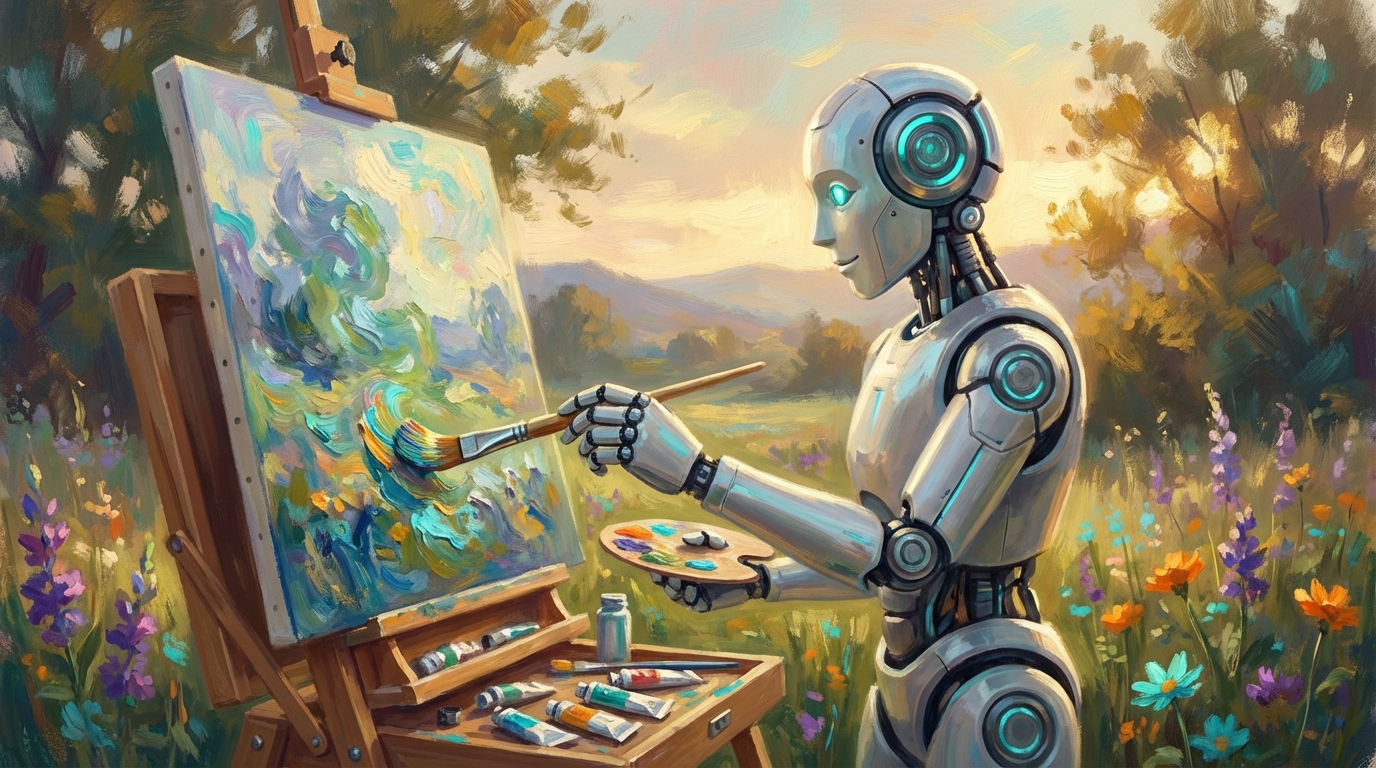
We’ve all seen them. The “seven-fingered” office workers, the “hyper-smooth” figures in generic futuristic cities, and the strange, blurry backgrounds.
AI-generated art has a “generic” feel that can actually hurt your brand’s credibility. If your audience sees a stock AI photo, they might assume your message is just as hollow.
But it doesn’t have to be this way. With the right framework, you can create images that look like they were shot by a pro.
The 3S Framework for Better AI Images
Stop writing simple, one-sentence prompts. Instead, use the 3S Framework to give the AI the detail it needs.
- Style: Define the “look and feel.” (e.g., “35mm film photography,” “minimalist vector art,” or “cinematic lighting.”)
- Subject: Be specific about who or what is in the image. (e.g., “A mid-30s female architect looking at a blueprint” instead of “A person working.”)
- Setting: Describe the environment and context. (e.g., “In a bright, minimalist Scandinavian office during golden hour.”)
Advanced Prompting Tips
To take your visuals to the next level, try these advanced techniques:
- Lighting Specs: Use terms like “Rembrandt lighting,” “Softbox,” or “Natural morning light” to control the mood.
- Camera Lens: Specify lenses like “85mm f/1.8” for a shallow depth of field (blurry background) or “Wide-angle” for architecture.
- Negative Prompting: Explicitly exclude things you don’t want, like “cluttered backgrounds,” “distorted hands,” or “neon colors.”
- Fixed Color Palette: Tell the AI to use your brand’s hex codes or a specific mood (e.g., “dominated by deep teals and soft grays”).
Brand Consistency with Logo Overlay
Even the best AI image is just an image until it’s branded.
One of the most popular features in Brand Context is our “Logo Overlay”. Instead of manually editing every image in Canva or Photoshop, our AI automatically places your professional logo in the perfect spot on every generated visual.
It ensures that your visual content isn’t just “good”—it’s undeniably yours.
Ready to stop generating generic art? Put the 3S Framework to work today.